Daily command, streaming, development, gaming, utilities, and whatever comes next.
LOCAL COMMAND DECK / WINDOWS / REMINGTON INC.
Starboard
A personal control surface for launching the parts of your day: websites, folders, apps, commands, and soon the home-studio systems around them.
Large targets
Instant auto-save
No accounts
No telemetry
Open a site, reveal a folder, start an app, or run a command with confirmation when it matters.
Big buttons, clear feedback, no drag-only workflows, and fewer reasons to type.
THE DECK
A dashboard that feels like a cockpit, not a settings page.
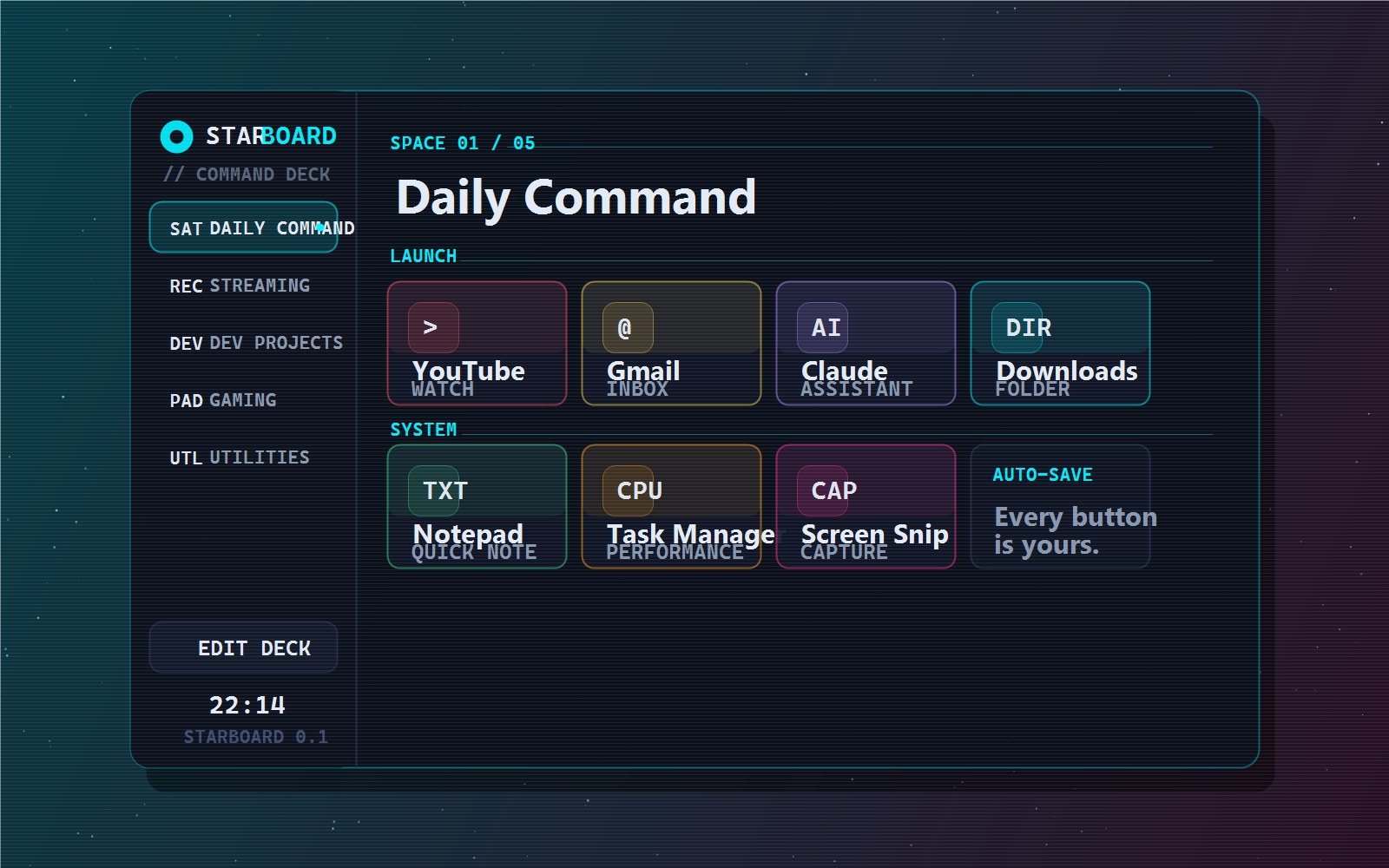
Switch spaces and the whole surface retints around the work you are doing. The website preview below uses the same idea as the app: sidebar spaces, colored tiles, notes, and strong click feedback.
SPACE 01 / 04
Daily Command
SYSTEMS
Built around repeatable clicks.
Starboard turns daily friction into large, visible controls. It starts simple, then grows toward OBS, webhooks, local services, and hardware around the desk.
Sites and URIs
Launch dashboards, settings pages, mail, search, or deep links like Windows settings and screen snip.
Folders and files
Jump straight to downloads, documents, project folders, exported backups, or any file path.
Apps and commands
Open local programs, run shell commands, and place confirmation gates around anything risky.
Instant edits
Add, recolor, resize, disable, export, import, and reorder with button nudges instead of drag-only gestures.
LOCAL FIRST
The deck is yours by default.
Starboard is a native WebView window with a small Python bridge. There is no hosted account, analytics script, sync service, or remote settings server. The dashboard configuration is a human-readable JSON file on the machine running it.
No account
Nothing to sign into before the deck opens.
No telemetry
No analytics, tracking pixels, or usage reports.
Plain config
Your spaces and buttons live in local JSON.
Opt-in future AI
Any cloud feature belongs behind a key you choose to add.
START
Download Starboard for Windows.
Grab the public Windows zip from GitHub Releases, extract it anywhere, and launch the deck. Starboard creates its local config beside the app the first time it opens.
The latest release is hosted in a separate public GitHub download repo.
Open the extracted folder and double-click Starboard.exe.
Edit spaces, colors, buttons, and actions. Your config stays local.